Welcome to the Sales Team
As part of the Conversion team, we help to make dreams come true!

Tier 1 Sales Pipeline
"T1 Pipeline" Contact Status
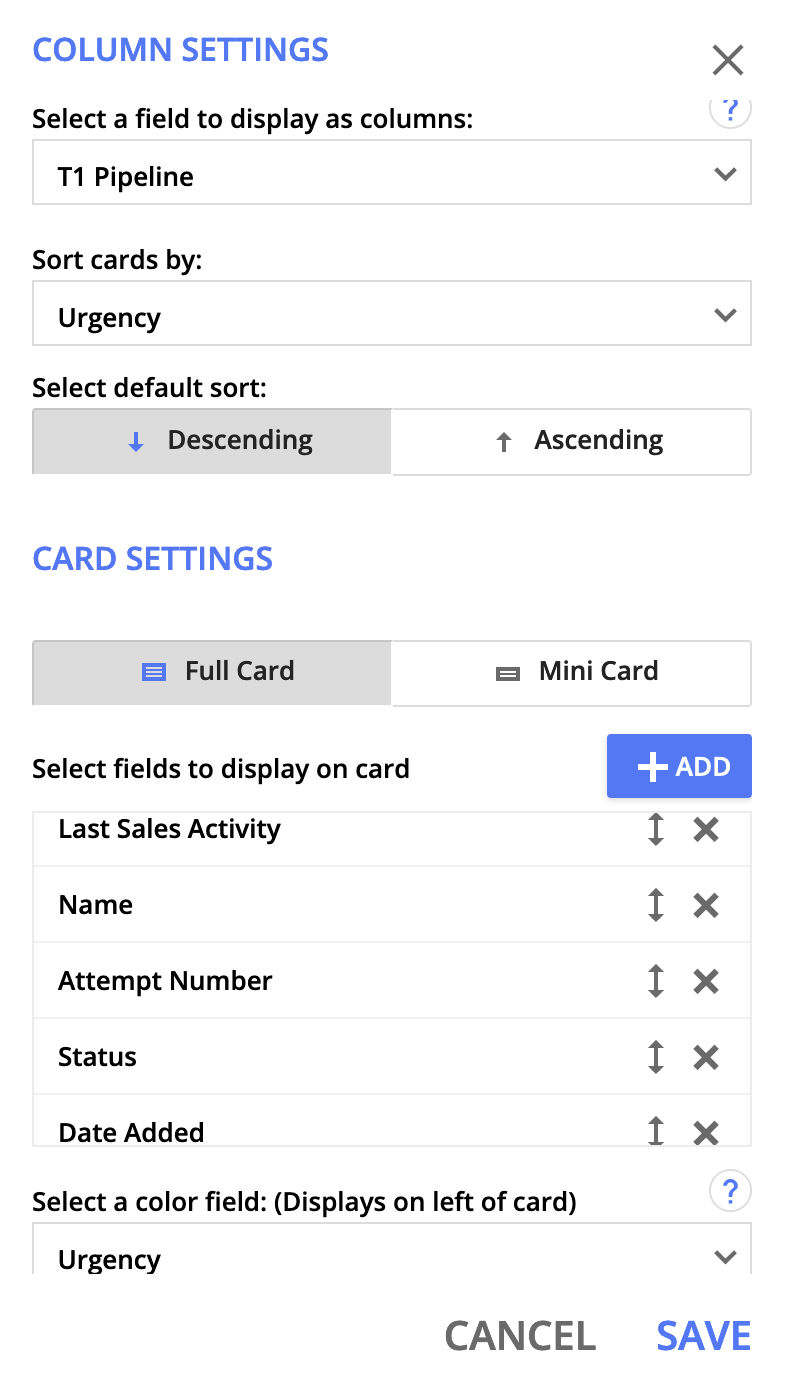
In Custom, each SDA has a group in Contacts where they will manage their pipeline. This is where we will keep track of attempts made, and make sure leads are being followed up with. There are (10) T1 statuses, which will be displayed as columns in your pipeline:
Uncategorized: Repped contacts who need to be placed into one of the following T1 statuses.Unscheduled Prospects: Contacts that have not scheduled a Discovery Call.Scheduled Prospects: Contacts that have scheduled a Discovery Call.Leads: Contacts have attended a Discovery Call and are SQL Yes. They now need to be scheduled on a Strategy Call.Send To VIP: VIP Lead. Send to VIP Services.Scheduled Strategy Session: Leads that are scheduled for a T2 Strategy Session. No follow up needed.Paid: Contacts who have upgraded to a paid account. Schedule a Strategy Session or Discovery Session if they have not yet had one. Upsell for "Done With You" and Dynamic CMS.90 Days: Reach out to any leads you were in touch with after they paid for 90-days and check in. Upsell for "Done-With-You" and Dynamic CMS.Not a Fit: Marked as SQL No. No follow up needed.Signed up with Another Email: Contacts in pipeline who have an account under a different email address.Lost: Contacts who have cancelled, are not interested, or are inactive over 120 days.
Urgency
In your pipeline, you will use the "urgency" color field to display on the left of each contact in card view. Their urgency will indicate who needs to be followed up with and in what order.
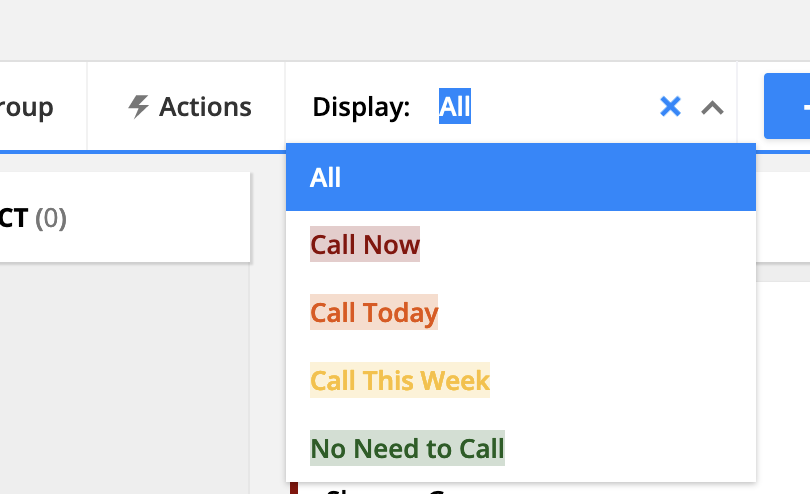
Call Now: Last Sales Activity is 8 days ago.Call Today: Last Sales Activity is 6 days ago.Call This Week: Follow up date is 3 days ago.No Need To Call: Date of call.
SLA's
6 Attempts unless they sign up or are no longer interested in Ontraport.Attempt 1: Day of connection: Email Follow-up (Set "Follow up Date" to a later date if specified by leadAttempt 2: 3 days after - Call and leave messageAttempt 3: 6 days after - Call (don’t leave message) and emailAttempt 4: 8 days after - Send SMS via SalesMessageAttempt 5: 11 days after - EmailAttempt 6: Final check in
Activity
Set up Card View in your Pipeline Group!